
New · Video Intercom
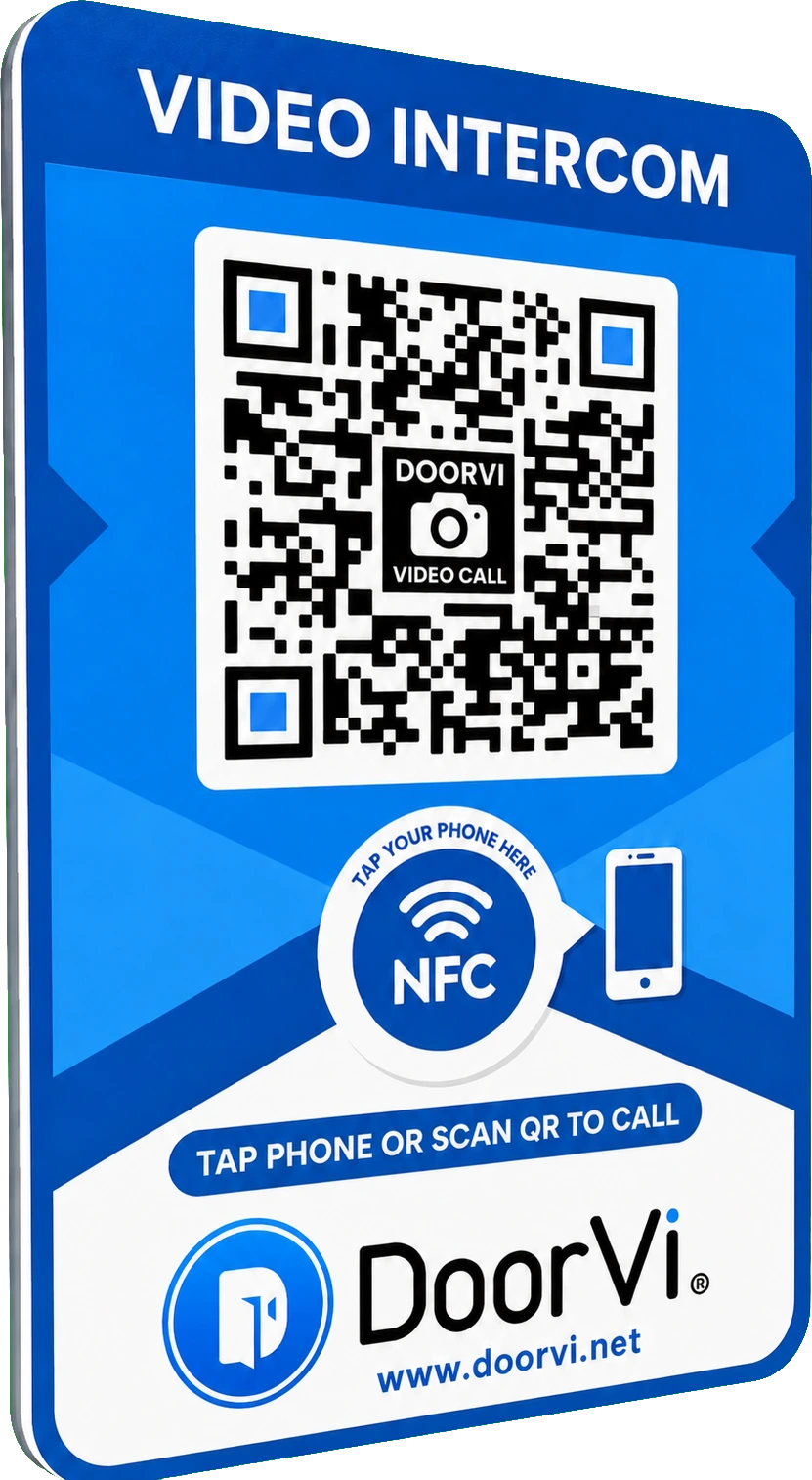
DoorVi NFC & QR Code Video Doorbell Sign
Visitors scan the QR code or tap the NFC area with their smartphone and instantly video-call you. No app, no wiring, no batteries, no subscription — just a privacy-first video intercom that works anywhere.
£23.99incl. VAT · free UK shipping
In stock — ready to ship
1
Secure checkout
Guest & account
Battery-free
No subscription
Key features
Everything a doorbell should be — nothing it shouldn't
Suitable for homes, apartments, offices, shops, rental properties and gated entrances.
- Combined NFC & QR code technology
- Visitors scan or tap with any smartphone
- Secure one-way video calling
- Owner sees visitor — visitor cannot see owner
- No wiring required
- No batteries required
- No Wi-Fi needed for the sign
- No app required for visitors
- No monthly subscription
- Weather-resistant design
- Quick and easy peel-and-stick install
- Includes access to the DoorVi service
How DoorVi works
Three simple steps
- Step 1
Scan or Tap
The visitor scans the QR code or taps the NFC area with their phone.
- Step 2
Call
A secure browser-based video call opens instantly — no app required.
- Step 3
Answer
You receive the call and can see who's at the door, wherever you are.
Installation & registration
To reduce unnecessary paper use, please follow our online installation and registration guide to activate your DoorVi NFC & QR Code Video Doorbell Sign.
Open the registration guidePrivacy first
Your privacy comes first. You can see who is calling, but the caller cannot see you. No personal contact information is displayed to the visitor.
FAQ
Frequently asked questions
Does the visitor need an app?
No. The call opens straight in the browser after they scan the QR code or tap the NFC area.
Do I need Wi-Fi at the door?
No. The sign itself has no electronics that need power or Wi-Fi. Only the visitor's phone needs a mobile-data or Wi-Fi connection.
Is there a monthly fee?
No. Your DoorVi service is included — one-time purchase, no subscription.
Can visitors see me?
No. DoorVi is a one-way video call — you can see the visitor, but they cannot see you or your phone number.
Will it work outdoors?
Yes. The sign is weather-resistant and suitable for front doors, gates, shops and rental properties.
How do I set it up?
Follow the online registration guide at doorvi.net/registration-guide. It takes a few minutes and no tools are required.
£23.99
Qty 1